
Industries
Coffee Shop Payments
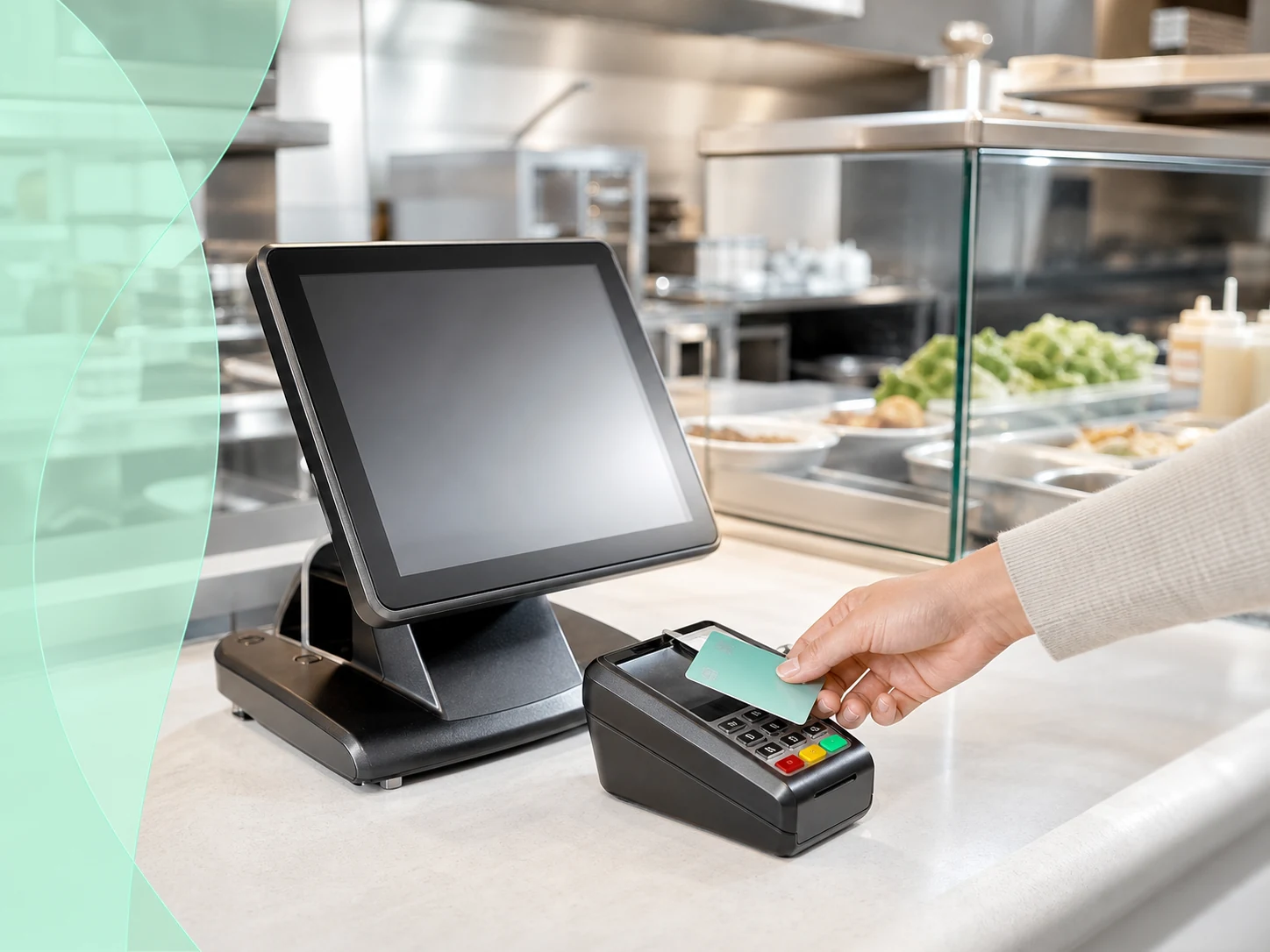
Coffee shop payments need fast checkout, tips, receipts, mobile ordering, loyalty context, inventory awareness, and clear reporting. ROMPOS reviews customer flow, payment acceptance, equipment, reporting, banking visibility, financing review, and AI follow-up for this operating environment.
Overview
Coffee Shop Payments: key considerations
Equipment may include compact POS, customer-facing payment, receipt printers, scanners, and reporting tools.
The payment setup should help staff move quickly during rush periods without losing owner visibility into sales and deposits.
Final equipment and processing terms depend on provider approval, configuration, and signed agreement.
Fit and Workflow
Useful details before the next step.
Who It Is For
Business owners, operators, and teams comparing ROMPOS options before choosing a next step.
Common Use Cases
- Counter checkout
- Online collection
- Remote customer payment
- Recurring or invoice workflows
- Reporting review
How It Works
- Review the current workflow.
- Identify the payment, equipment, banking, financing, or AI path that applies.
- Collect only the documents required for the selected review.
- Confirm final availability through written provider or ROMPOS terms.
Requirements
- Business and ownership review
- Risk and industry review
- Payment method and authorization requirements
- Provider approval
ROMPOS Knowledge Hub
Coffee Shop Payments questions business owners ask.
Search focused answers for this page, then continue through related ROMPOS links when helpful.
FAQWhat payment setup does a quick-serve restaurant usually need?
Quick-serve restaurants often need fast countertop checkout, kitchen printing, tip prompts, online ordering, receipt options, and reporting by shift or location. ROMPOS reviews Restaurant POS, Payment Processing, and equipment together so speed and accuracy support the line.
FAQWhat payment setup does a fine-dining restaurant usually need?
Fine-dining restaurants may need table management, split checks, tips, bar routing, kitchen printer routing, handheld payments, deposits, and private event workflows. ROMPOS reviews the dining-room flow before recommending Restaurant Payments or equipment.
FAQHow many kitchen printers does a restaurant need?
The answer depends on the menu and prep layout. A small cafe may use one kitchen printer, while a restaurant with bar, grill, pantry, dessert, and expo stations may need multiple printers or routing rules. ROMPOS reviews station count before equipment recommendations. Related ROMPOS page: Restaurant POS.
FAQCan restaurants accept tips, deposits, and online orders?
Yes, where supported by the provider and software setup. ROMPOS can review tip prompts, deposits for events or catering, online ordering, Payment Links, and hosted checkout so the restaurant can collect payments in the way customers actually order.
FAQCan tableside payments help servers and guests?
Tableside payments can reduce card handling, speed up closeout, improve tip capture, and help guests pay without waiting for a terminal at the counter. ROMPOS reviews whether handheld terminals, Tap to Pay, or mobile checkout fit the service model.
FAQCan a restaurant review Merchant Activation Bonus eligibility?
Yes. If the restaurant has current processing history, ROMPOS can review statements and business details for possible Merchant Activation Bonus eligibility. The review is separate from equipment recommendations and depends on written program terms.
No answer on this page matched. Try another term or open the full ROMPOS FAQ library.
Open the full ROMPOS FAQ libraryNext Step
Tell ROMPOS what you want to improve first.
Start with payments, equipment, online payments, mobile payments, banking, financing, AI automation, high-risk processing, or a full review of your current setup.